

Clogged pod holder? Tips for unclogging the pod holder of your Senseo machine
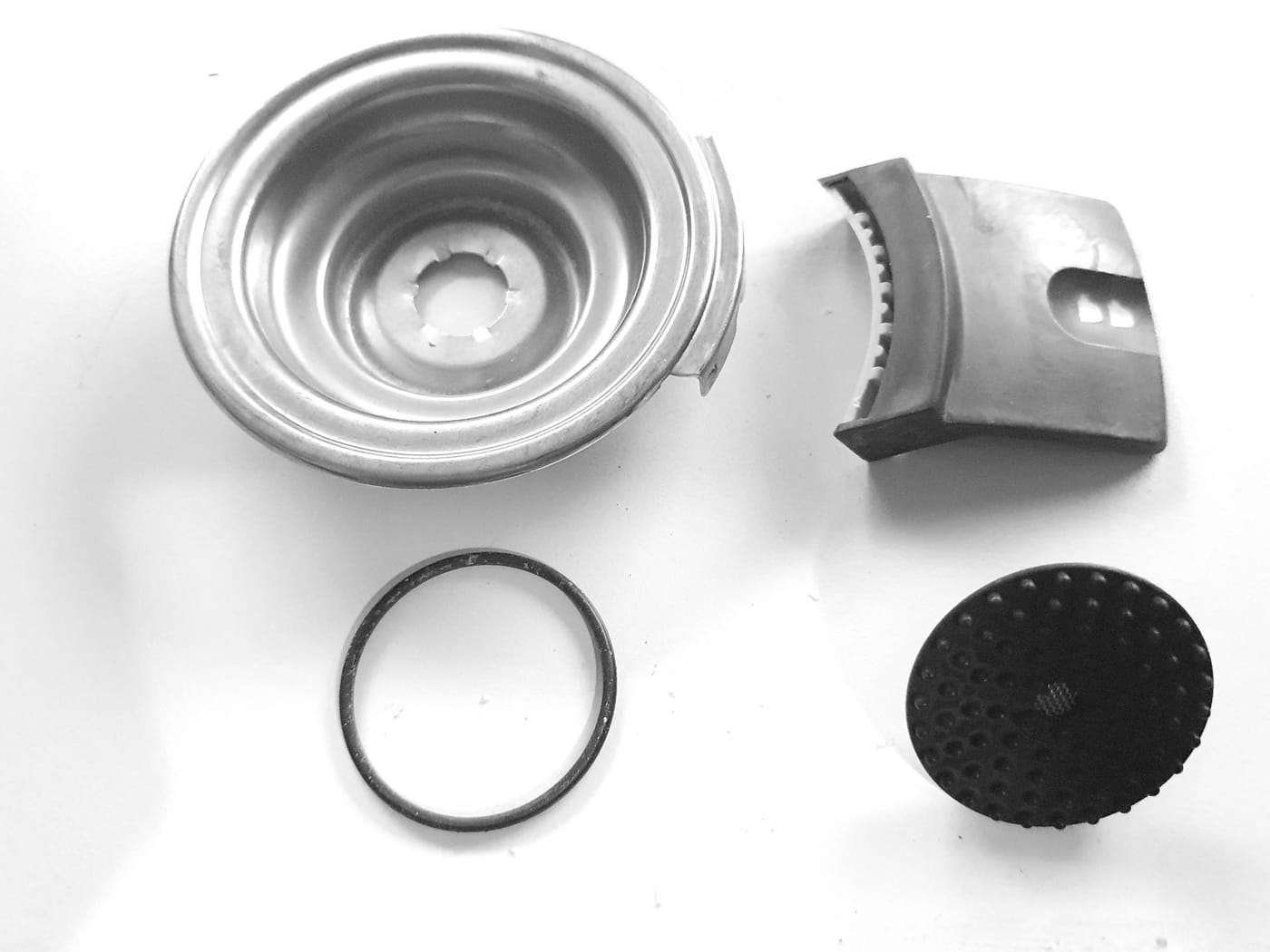
One of the most common problems Senseo owners face is a clogged pod holder. This can lead to weak coffee, incomplete cups, or even a machine that produces no coffee at all. Fortunately, cleaning and unclogging the pod holder is a simple job you can do yourself. Here are some tips to keep your pod holder in top condition.
Regular Cleaning
Regular cleaning is essential for maintaining a good flow of coffee and water. Rinse the pod holder under the tap after every use. This prevents the buildup of coffee residue that can block the small holes.
Unclogging the Sieve
Over time, the small holes in the sieve of the pod holder can become clogged. To solve this problem, unclog the sieve in the middle of the pod holder by rinsing the pod holder clean under the tap. Make sure you remove all coffee residue.
Using a Dish Brush or Dishwasher
For a more thorough cleaning you can use a dish brush to remove stubborn coffee residue. If the sieve is very clogged, a brush can help free up the holes. Alternatively, you can also clean the pod holder in the dishwasher. This is an easy way to make sure all parts get properly clean without much effort.
Check for Damage
In addition to regular cleaning, it is important to check the pod holder for any damage. Cracks or breaks can also be the cause of poor coffee flow.
Which pod holder does your Senseo need?
If cleaning no longer helps, or the sieve is cracked, replacing it is the answer. Which pod holder you need depends on your model:
- One pad or two pads. Most Senseo models have a pod holder for two pads (for the large cup) and a separate one for a single pad. Check which of the two you need before ordering.
- Colour and inner part. On the older New Generation models, such as the HD6553, the pod holder is grey; on the later models it is black. The sieve in the middle differs per generation, so a pod holder of the wrong type will not fit properly.
- Type number as a guide. The type number is on the bottom of your Senseo (for example HD7810 or CSA250). Look that number up in the models overview; there you can see which pod holder and which other parts belong to your machine.
One exception is the HD7840: separate pod holders for it are no longer sold. How to solve that anyway with an HD7810 pod holder is explained in HD7840 pod holder alternative.
By following these simple steps, you make sure your Senseo machine is always ready to brew a delicious cup of coffee. Regular maintenance and cleaning of the pod holder is essential for long-lasting, trouble-free use of your Senseo coffee machine. Enjoy your coffee!
Applies to these models
- Everything for the Senseo CSA210, HD7804, HD7805, HD7806,HD7810, HD7811, HD7812, HD7813, HD7814, HD7816, HD7817, HD7818, HD6552, HD6553, HD6566: parts, manuals and faults
- Everything for the Senseo HD7840 Aluminium: parts, manuals and faults
- Everything for the Senseo HD6553, HD6554, HD6555 en HD6556: parts, manuals and faults